
CodeCosmos for schools
Discover a fun and interactive way for your pupils to learn coding in both Minecraft Education and Scratch. Designed specifically for pupils aged 9 to 14, both lesson packages contain ready-to-use worlds and structured lessons that make learning to code enjoyable and engaging. Perfect for beginners without prior knowledge!
Coding pathways for schools
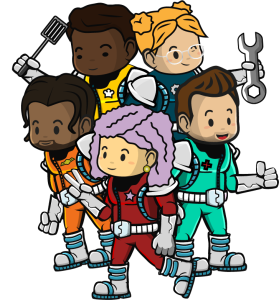
We offer teaching packages for Scratch and Minecraft Education to primary and secondary schools. Each package provides access to a user-friendly learning platform featuring engaging videos, step-by-step instructions, unplugged exercises, quizzes and ready-to-use coding challenges in Scratch or Minecraft Education.
Class groups that use these lessons will quickly grasp the key programming concepts and develop computational thinking skills. For educators, each lesson comes with a comprehensive manual that guides you through lesson preparation, implementation, and evaluation.
CodeCosmos stems from the Belgian NPO CodeFever and educational publisher FTRPRF. Our organisations create and provide coding classes that cover all aspects of computational thinking.
Drawing from 10 years of experience in teaching children computational thinking in Belgium, we have developed international coding courses branded as CodeCosmos. These lessons, which have been thoroughly tested by thousands of children, are tailored to the international demand for coding lesson materials.
What is CodeCosmos?
Learn to code in the most popular game of all time!
CodeCosmos brings Minecraft Education to life with a unique lesson package for pupils aged 9 to 14 without any prior knowledge. In 8 structured lessons, you can teach the basics of coding and computational thinking in immersive, pre-programmed Minecraft worlds crafted by CodeCosmos.
Pupils engage in challenging missions and build their own creations while developing skills such as logical thinking, problem solving and creativity. Thanks to clear instructions and guidance, they can learn without distractions in their favourite gaming environment: Minecraft.
Each mission follows a clear structure: we start by reviewing previous concepts, then present a mission video. New concepts are introduced with a demo, followed by a programming assignment in Minecraft Education, where NPCs guide the pupils in their coding challenges. The lesson concludes with a quiz on sustainability and programming, and a teaser video gets students excited for the next mission.
Minecraft
Minecraft with Python
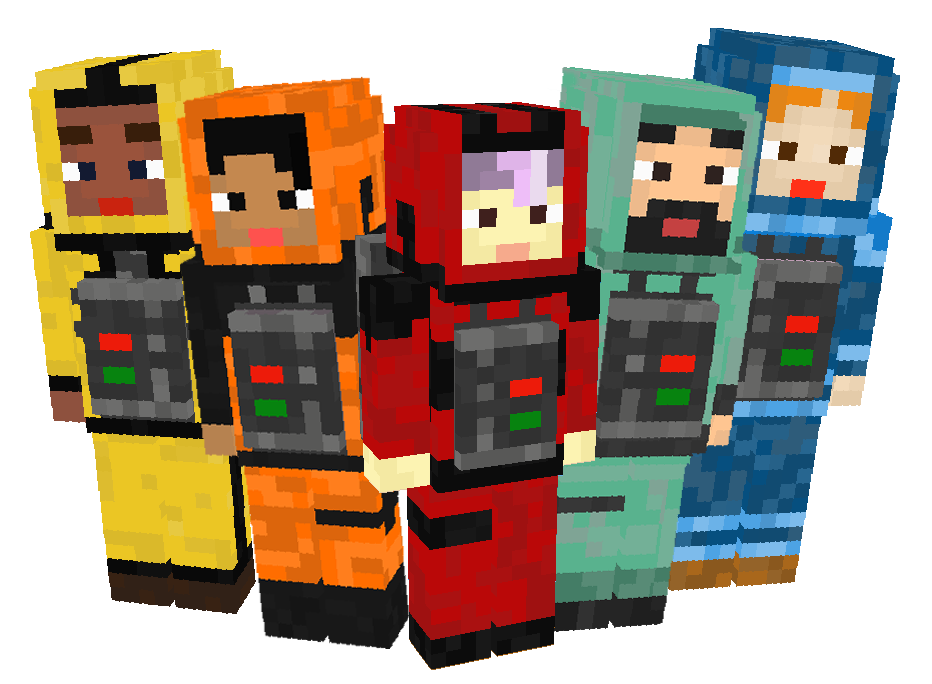
The most popular game of all time meets the most popular coding language!
Scratch
Learn to code in the most widely known coding language for kids!
Introducing Scratch Expedition 1, the interactive lesson package for pupils aged 9 to 14. With 13 engaging and structured lessons, beginners learn the basics of coding step-by-step in the most accessible coding language: Scratch.
We use Scratch as a tool to focus on the concepts of computational thinking, logic, decomposition, abstraction, evaluation, algorithms, loops, and pattern recognition. The goal is to make students aware that every coding language is based on these concepts.
Each lesson is designed in a similar structure. We start by reviewing the learnings from the previous lessons. After that, we introduce the story for the mission. If there is a new concept, a demo and an unplugged exercise follow before we proceed with a plugged exercise. We conclude the lesson with a short quiz and for the swift students there are always extra exercises.
Coach CoDi - your assistant in the classroom
To create our teaching packs, we have collaborated with different partners such as Ghent University. As a result of this collab, we developed Coach CoDi. This revolutionary tool analyses Scratch code in real-time and provides students with tailored feedback to make them more self-reliant while doing the Scratch exercises. The digital co-teacher allows teachers to focus more intently on their pupils’ questions.
A digital co-teacher supports children while they code in Scratch, offering specific, real-time feedback on each exercise. This smart assistant helps children understand where they’re making progress and where they may still be stuck, giving them a clear view of which programming steps need attention. It encourages independence, builds confidence, and helps pupils grow at their own pace.